
What are the differences between hardware and software?
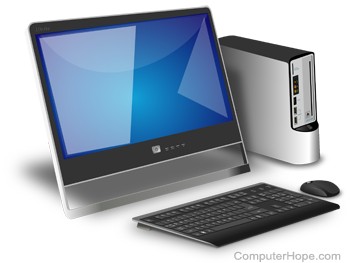
Computer hardware is any physical device used in or with your machine, whereas software is a collection of programming code installed on your computer's hard drive. In other words, hardware is a product you hold in your hand, whereas software cannot be held in your hand. Hardware can be touched, but not software. Hardware is physical and software is virtual.
While software may come on a CD (compact disc) or DVD (digital versatile disc), the disc is the storage medium for the programming code that makes up the software. The disc is not the actual software.
For example, the computer monitor you are using to read this text, and the mouse you are using to navigate this web page are computer hardware. The Internet browser allowing you to view this page and the operating system that the browser is running on are considered software. A video card is hardware, a physical object, and can be touched. A computer game is software and made up of programming code, which is virtual and cannot be touched.
Further information and examples
All software utilizes at least one hardware device to operate. For example, a video game, which is software, uses the computer CPU (central processing unit), RAM (random-access memory), hard drive, and video card to run. Word processing software uses the computer processor, memory, and hard drive to create and save documents.
Hardware is what makes a computer work. A CPU processes information and that information can be stored in RAM or on a hard drive. A sound card provides sound to speakers, and a video card provides an image to a monitor. Each of these are examples of hardware components.
Can a computer run without software?
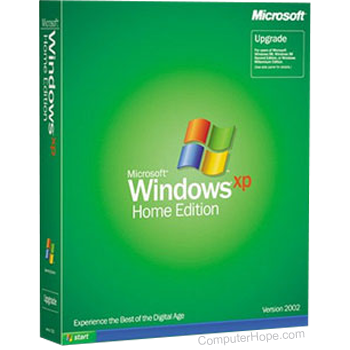
In most situations, yes, a computer can run without software being installed. However, if an operating system or interpreter is not found, it either generates an error or doesn't output any information. A computer needs an operating system that allows both the user and software to interact with the computer hardware.
Installing programs onto the computer, in addition to an operating system, gives the computer additional capabilities. For example, a word processor is not required, but it lets you create documents and letters.
Can a computer run without hardware?
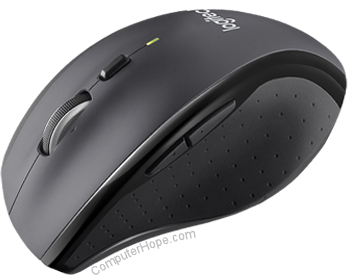
Most computers require at least a display, hard drive, keyboard, memory, motherboard, processor, power supply, and video card to function properly.
A computer like a thin client and server could be set up to run without a display, keyboard, or hard drive.
If any of these devices are missing or malfunctioning, an error is encountered, or the computer doesn't start. Adding hardware, such as a disc drive (e.g., CD-ROM (compact disc read-only memory) or DVD), modem, mouse, network card, printer, sound card, or speakers are not required, but give the computer additional functionality.
Hardware that's not required by the computer is called a peripheral.