
Why does my CD-ROM drive light blink every few seconds?
Updated: 07/13/2023 by Computer Hope
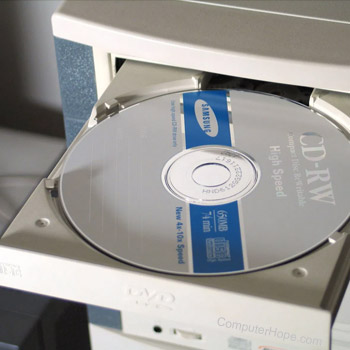
Follow the steps below to disable Auto Insert Notification if you do not want the CD-ROM (compact disc read-only memory) LED (light-emitting diode) drive activity indicator light to flash occasionally.
- Click Start, Settings, Control Panel, double-click the Systems icon, and click the Device Manager tab.
- Click the + next to CD-ROM and double-click the CD-ROM drive listed beneath it.
- Click the Settings tab, uncheck the Auto Insert Notification option and click ok.
- Reboot the computer.
Note
If the computer has a SCSI (small computer system interface) drive installed, the above steps may or may not resolve this issue.