
How to fix Windows multiple display issues
Updated: 01/24/2018 by Computer Hope
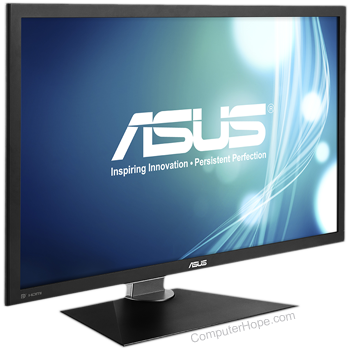
The following troubleshooting steps can be used when you have problems with multiple displays in Microsoft Windows.
- Confirm the device is activated, and the correct video card drivers are installed for the secondary adapter/display and are initialized.
- Physically switch the order of display adapters.
- Confirm the secondary display is highlighted in display properties, secondary display adapter is supported, and secondary display is detected.
- Run the program on primary display.
- Run the program in fullscreen.
- Disable the secondary display.