Computer Hope

Other Pages

Home
Site map
Computer help

Dictionary
News
Q&A
What's new

Tools

E-mail this page
Print Preview
Edit this page


Reference number: CH000354

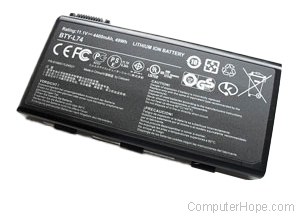
Main laptop battery does not charge to 100%.

Issue:

Main laptop battery does not charge to 100%.

Cause:

This issue can be caused by any of the below possibilities.

  1. Battery memory issue
  2. BIOS or computer related issue / recall
  3. Bad battery

Solutions:

Battery memory issue

The battery memory issue is caused when a battery is charged but stopped during the charge process before being completed. This causes the battery to then charge to the amount that the battery was last charged at decreasing the maximum life of the battery over time.

This issue can sometimes be resolved by allowing the battery to completely discharge and then recharging the battery to its full capacity.

BIOS or computer related issue / recall

Verify with the computer laptop manufacturer that there are no known battery related issues to your computer or your computers BIOS.

Secondly, verify that there are no computer battery or computer battery related recalls; there have been numerous issues with various computer manufacturers and their batteries.

Finally, verify that the issue is not a software related issue. If your battery percentage is being displayed through software it could be possible that it is the software causing the issue and that the battery is ok.

Bad battery

If all of the above recommendations have been checked and are not causing your battery issue, it is likely that the battery is bad and that it is recommended that it be replaced or possibly repaired.


Index

Category:
Battery

Companies:
Click here

Related Pages:


Resolved

Were you able to locate the answer to your questions?

Home - Computer help - Contact - Dictionary - Links
Link to Computer Hope - Bookmark Computer Hope