
How to fix compression driver cannot be set up correctly
Updated: 12/30/2019 by Computer Hope
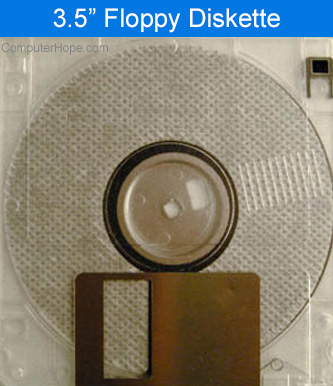
Using a Windows bootable diskette, boot the computer, and at the A:\> prompt, type the following command.
sys c:
This action should return the message "System Transferred." Reboot the computer without the diskette and the issue should be resolved.