
How to find the type of computer scanner
Updated: 11/12/2023 by Computer Hope
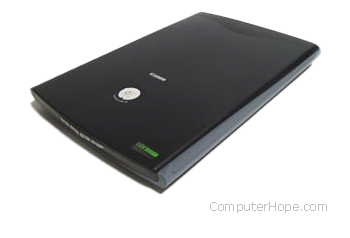
To determine which scanner you have connected to your computer, follow the steps below.
- The identifying information for the scanner is commonly found on the top or bottom of the device.
- If you are attempting to determine the scanner's interface, you must familiarize yourself with the different types of scanner interfaces.
- If you cannot locate a manufacturer or model number of the scanner, but can locate an FCC identification number, we recommend you perform an FCC search using that number. For additional information about FCC numbers, see our FCC (Federal Communications Commission) definition page.
Product listing or specifications
If you are trying to list all the specific information about your computer scanner, specifying the manufacturer, type, and model of the scanner is sufficient. Below is an example of how this may look.
Parallel OptiPro 4800 flatbed scanner
Drivers or installation
Replacement or repair
If you are trying to determine which scanner you have because it needs to be repaired, we recommend you obtain an estimated repair cost on the scanner first. If the cost outweighs buying a new scanner, we recommend you purchase a new scanner.