
How to prevent Messenger pop-ups
Updated: 10/01/2023 by Computer Hope
Disable Microsoft Messenger
Note
Disabling the Microsoft Messenger will not cause any problems with MSN Messenger. This service is commonly used to distribute text messages between computers and commonly only used in a business to distribute messages between employees.
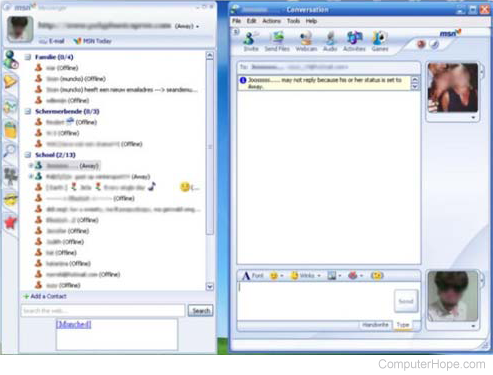
To disable Microsoft Messenger service, follow the steps below.
Windows 2000 and XP users
- Open the Control Panel.
- Open the Administrative Tools.
- In the Administrative Tools window, open Services.
- Locate Messenger and double-click the icon to open Messenger Properties
- In the Messenger Properties, set the Startup type to disabled and click the Stop button.
- Click the Apply button and close out of all windows.
Tip
You can also use the Shoot The Messenger to quickly enable and disable the Windows Messenger Service.
Setup firewall to block UDP and NetBIOS
If your computer needs messenger, the alternate solution to the above recommendation is to disable all incoming UDP (user datagram protocol) and NetBIOS on your firewall.