
How to switch between MS-DOS windows in Windows
Updated: 10/07/2019 by Computer Hope
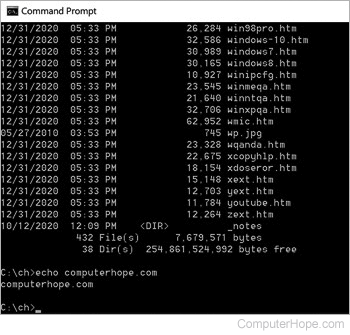
Users running multiple sessions of a Windows command line or who have a maximized window may find it necessary to switch between windows and other programs. Like all other Microsoft Windows programs, users can switch between an MS-DOS window and other windows or programs by pressing the Alt+Tab keyboard shortcut.
Note
Some programs that run at a higher resolution may prevent the user from switching between the MS-DOS window and other windows. Sometimes, decreasing the resolution lets you switch between windows.