Reference number: CH000669
How to make a bootable CD.
Question:How to make a bootable CD.
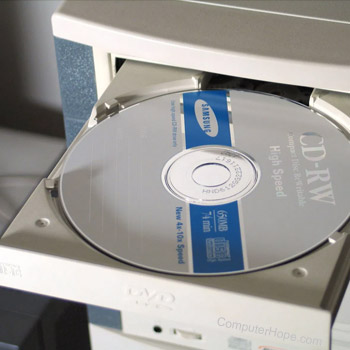
Answer:Creating a bootable CD enables
users to have a CD that can be inserted into any El
Torito compatible computer
and is automatically ran as the computer starts. This is useful
for creating CDs that can be used to do such things as diagnose a
computer, restore a computers configuration, start the installation
of a program or operating system, or setup or update hardware.
Note: If you are looking for a CD that automatically runs
while in Windows see document CH000670
for additional information about creating an AutoPlay CD.
Note: In order to create a bootable CD you need to have a CD-R,
CD-RW, or other disc recorder
installed in the computer. Additional information about determining
the type of CD drive you have in the computer can be found in document
CH000495.
Use CD recording software boot feature
One of the easiest methods for creating a simple bootable CD is
to use the CD recording software program you use to create CDs.
Today many of these programs have a feature already built within
them that enables users to create a bootable CD.
If your CD recording program does not include the feature to
create a bootable CD we recommend trying an alternative program such
as Nero. A listing of some of the more commonly used and recommended
recording software programs can be found on document
CH000668.
Advanced users or users who want more
options
For you more advanced users or users who wish to manually create
a bootable CD we suggest the below links.
Bart's way to create bootable
CD-ROMs
How to
create an El Torito Bootable CD-ROM (Microsoft Q167685)
Additional information:
|