
Where do I locate motherboard video drivers?
Users who have motherboards with onboard video may have issues with locating the proper drivers for their video card. Often users encounter issues with their onboard video after the operating system is reinstalled and the motherboard chipset drivers are not installed. To resolve this issue, try following the steps below.
Let Windows redetect drivers
If you have not recently reinstalled Microsoft Windows, the video drivers may be corrupt. Open Device Manager and remove all devices under Display Adapters and any Other devices. Once removed, reboot the computer and let Microsoft Windows re-detect the video drivers.
Motherboard chipset drivers
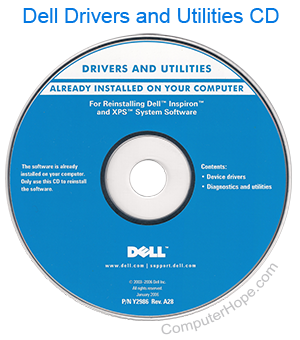
Reinstalling the motherboard chipset drivers resolve this issue. If your computer came with a motherboard or drivers CD (compact disc), use it to install the chipset and video drivers.
If you do not have a motherboard CD, obtain the motherboard chipset drivers from the motherboard manufacturer.
Video card drivers
If, after installing the motherboard chipset drivers you continue to have issues, install the video drivers. We suggest you download the video drivers from the computer manufacturer or motherboard manufacturer.
For a list of motherboard manufacturers and their drivers, see our motherboard chipset drivers index.