
Unable to remove a device in Windows Device Manager
Updated: 10/11/2021 by Computer Hope
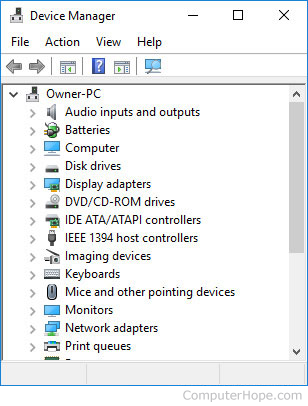
In some situations, you may be unable to remove a device in Windows Device Manager. If so, make sure the device you are attempting to remove in Device Manager is not dependent on another device. For example, if you are having trouble removing the sound card in Device Manager, try removing one of the other sound devices. Realize that a device may also be tied to a hidden or non-present device.
If you still cannot remove the device after deleting others that are tied to it, try removing it under Safe Mode.