
How to split one large display into two or more
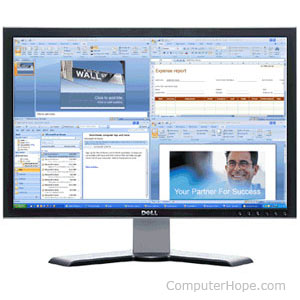
Users who have large displays or screens may want to divide them into different sections, either vertically or horizontally. For a user to gain this functionality, we suggest installing an appropriate third-party program. The following sections contain some programs.
SplitView
The official SplitView website
SplitView is a great program that lets you display and manage split windows. The program does not necessarily create separate displays, but it gives the user an easier way to split and move their windows. Once installed, two additional buttons are added to each window at the top-left corner that can be clicked to split the window.
NVIDIA Grids
The official NVIDIA website
Users with NVIDIA video cards installed (version 3.0 desktop manager and later) can use the NVIDIA Grids to break up their windows. To do this, right-click the NVIDIA settings, open NVIDIA Desktop Manager, and click Edit Display Grids. Once you've edited the display grids, you can move windows by holding down Alt and dragging the window to a grid. Alternatively, users may right-click the window bar, click NVIDIA Options, and select maximize to grid.