
Programs used to rip or copy audio CDs to a computer
Updated: 11/13/2018 by Computer Hope
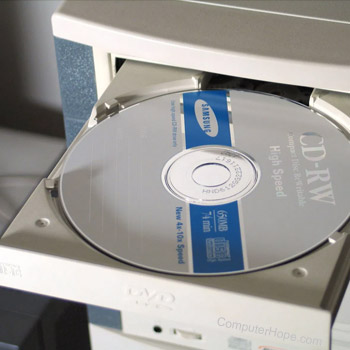
Several programs can copy (rip) audio tracks like music, songs, or voice recordings from a CD (compact disc) to your computer as an MP3, WMA (Windows Media Audio), or other audio file format. Below is a listing of different programs we suggest users try that are free to use.
Microsoft Windows Media Player
Every version of Windows since Microsoft Windows 2000 comes pre-loaded with the Windows Media Player.
Apple iTunes
Since it was merged into macOS, iTunes is only available as a standalone program for Windows users. It may be downloaded from Apple's website.
Other great solutions
The list below contains other free programs you may utilize to rip an audio CD to your computer.