
How to see hidden files in MS-DOS and the Command Prompt
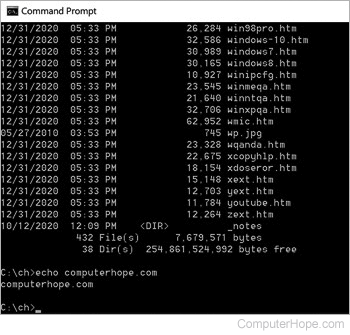
While in the MS-DOS or the Windows command line, it may be necessary to view hidden files and directories. Navigate to the directory you want to view hidden files or directories and use either the attrib or below dir commands.
Viewing hidden files with dir command
dir /ah
The above command lists all hidden files and hidden directories in the current directory.
dir /ah-d
Lists all hidden files in the current directory (the one that you are in), but not hidden subdirectories.
dir /a
Lists all files and directories including hidden files and hidden directories in the current directory.
Viewing hidden files with attrib command
attrib
Typing the attrib command alone displays all files in the current directory with their attributes to the left of the directory path and file name. Files that have an "H" to the left are hidden files.
attrib | more
If too many files are listed, adding "| more" to the end of the attrib command displays all files with attributes one page at a time.
attrib *.log
Finally, if you know the file name or file type, adding it with a wild characters displays all files with their attributes. For example, the above command lists any log file (including hidden files) with its attributes.