
I'm unable to enter CMOS setup
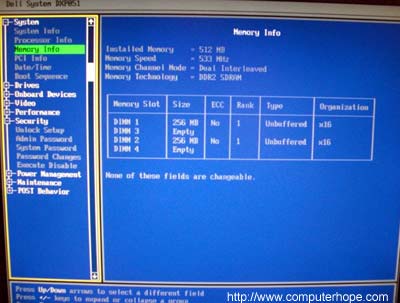
If you are having difficulty entering your computer's CMOS or BIOS setup, follow the steps listed on this page.
First, verify you're following the correct procedure to enter your CMOS or BIOS setup.
If you've followed the correct procedures, but you're still unable to enter CMOS or BIOS setup, the following troubleshooting steps may help.
Cause a stuck key
Most computers generate an error if it detects a stuck key as the computer is booting up and enables you to enter CMOS setup after the error. To cause this error, hold down a key on the keyboard as the computer is booting up. Once you see the error, there should be an option to press a key to enter setup. If that key is pressed and it still does not work, continue with the other suggestions below.
Use an alternate keyboard
Make sure the keyboard you are using is not defective by trying an alternative keyboard with the computer.
Use a PS2 keyboard
With some older computers, if you are using a USB (universal serial bus) keyboard, your computer may not recognize the keyboard when it first starts up. To help verify this is not the issue, try using a PS2 keyboard instead of a USB keyboard.
Corrupt BIOS or CMOS
The CMOS may be corrupt and is experiencing issues that prevent it from successfully entering setup. Try resetting your CMOS using the motherboard jumper or DIP switch CMOS reset. Unfortunately, because all motherboards are different, the steps to do this are found in your motherboard manufacturer's documentation.
Defective hardware
If, after following the steps above, you're still unable to enter CMOS setup, it's likely there is a hardware defect. At this point, if you have a desktop computer, try removing all hardware from the motherboard. Disconnect all external expansion cards except the video card if present and disconnect all drives. Once everything is disconnected, turn on the computer and enter CMOS setup. If you're still unable to enter CMOS setup, the motherboard is bad and needs to be replaced.