
ATI modem diagnostic information
Updated: 08/31/2020 by Computer Hope
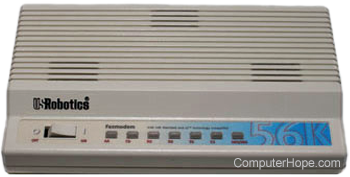
ATI commands help list additional information about the modem, and in diagnostic situations, help determine if the modem is properly working. To get this information and get to the diagnostic screen, follow these steps for your operating system.
Windows Me, 2000, XP, Vista, 7 users
- Open the Device Manager.
- In Device Manager, click the + next to Modems.
- Double-click the Modem listed.
- Click the Diagnostics tab.
- Click the Query Modem button. Responses from the modem are returned. See the following section for additional information about each of the ATI commands.
Windows 95 and 98 users
- Open the Control Panel.
- Double-click the Modems icon.
- Click the Diagnostics tab.
- Highlight the port that the modem is listed on and click the More info button. The more info should return several responses from the modem See the following section for additional information about each of the ATI commands.
Additional information about the returned ATI commands
ATI0 - Return product code.
ATI1 - Return ROM (read-only memory) checksum.
ATI2 - Run RAM (random-access memory) test.
ATI3 - Return call duration/real time.
ATI4 - Return current modem settings.
ATI5 - Return NVRAM (non-volatile random-access memory) settings.
ATI6 - Return link diagnostics.
ATI7 - Return product configuration.