
How to disable Smart Window in Windows 7
Updated: 03/06/2020 by Computer Hope
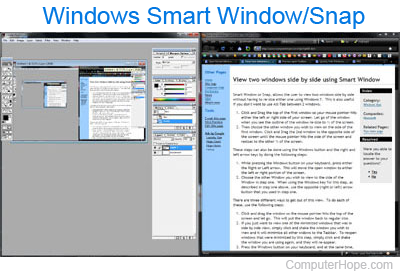
In Windows 7, Microsoft introduced Smart Window (also called "Snap"), a feature that lets you view two windows side by side without resizing them.
In Windows 8 and Windows 10, this feature can be disabled in Settings. However, in Windows 7, the only way to disable Smart Window is to edit the Windows registry.
Disable Smart Window in Windows registry
To disable Smart Window in Windows 7, follow these steps.
- Click Start.
- In the Windows Search box, type regedit and press Enter.
- Open the key HKEY_CURRENT_USER\Control Panel\Desktop.
- Set the value of WindowArrangementActive to 0.
- Restart the computer.
- Your windows will no longer automatically snap to the sides of the screen.