
Parental controls
Parental controls may refer to any of the following:
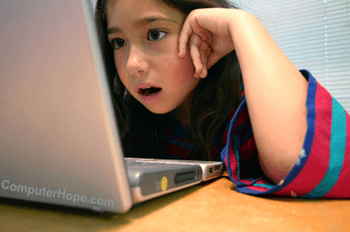
1. In general, parental controls describe software that helps a parent control how a child uses a computer and the type of content they can and cannot view. For example, a parent may have rules preventing the child from using the computer at a certain time, restrict them from viewing adult websites, or prevent them playing certain games.
2. Parental controls or Windows Parental Controls is a feature available in Windows 7 and later versions to improve protection and security on computers and mobile devices. Using Windows Media Center or a Microsoft account, your PC can monitor what your kids are viewing, keep them away from certain games and websites, and set limits on computer and game time. Access to TV shows online can also be restricted.