
How to free lost system resources in Windows
Several applications or background programs open or started
Most users find that their computers begin to run slower over time, taking longer to boot, load programs, or process data. This decrease in performance is often due to unnecessary software consuming resources or programs running continually in the background upon startup. In both circumstances, the system is consuming resources that the user potentially needs to be allocated elsewhere.
If the computer loads programs or TSRs when the computer first boots, this decreases the amount of available resources as those programs or TSRs are resident in memory. If you have programs that do not need to be opened when the computer boots remove these programs to help free system resources.
Not enough memory
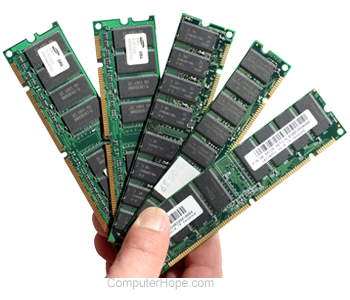
If your computer does not have enough free memory, the computer is going to run out of system resources. Consider purchasing additional memory.
- How to find how much RAM is installed on a computer.
- How much memory or RAM should my computer have?
- Computer memory buying tips.
Memory leak or software issues
Many programs, including some versions of operating systems, have memory leaks or memory related issues. A program may take memory from the computer and not give that memory back to the computer once the program is closed.
Verify you have all patches and updates for programs you run on the computer installed to help prevent these issues.