
How to copy a large file or directory to a floppy diskette
Updated: 11/13/2018 by Computer Hope
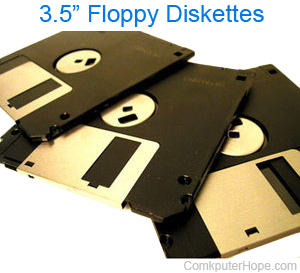
The method you use to copy a large file to a floppy diskette may vary, depending on the size of the source file's containing directory. If the directory is larger than 1.4 MB, then we recommend using a compression utility to reduce the size of the files. Additionally, use the utility PKZIP, for example, to create the archive in parts, each sized to fit on a diskette. To check the directory size in MS-DOS, from the directory, type:
dir /s <press Enter>
Once the directory is listed, at the end of the results, how many bytes are taken up is displayed.
If the directory is smaller than 1.4 MB, use the following command to copy all files from that directory to a floppy diskette:
copy *.* a: <press Enter>
If the directory is larger than 1.4 MB, we recommend a compression utility be used.