
How to make another CD player the default player
Updated: 06/30/2020 by Computer Hope
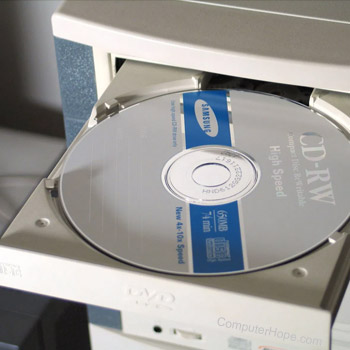
In Microsoft Windows, your default CD (compact disc) player application is the one that automatically opens when you insert an audio CD into your computer.
Follow these steps to change the default audio CD player application in Windows 95 or 98.
Windows 98 users
To change the default audio CD player application in Windows 98, follow these steps.
- Click Start, Programs, Windows Explorer.
- Open the View menu, and click Folder Options.
- In the Folder Options window, select the File types tab.
- Select CD audio track, and click Edit.
- Click the New button, and type a name for the action.
- Specify the path to the program you want to run the CD audio files, and click OK.
- To set this as the default player, highlight the newly created file, click Set Default, and click OK.
Windows 95 users
To change the default audio CD player application in Windows 95, follow these steps.
- Open My Computer.
- Open the View menu, and click Options.
- Select the File types tab.
- Select Audio CD or CD audio track, and click Edit.
- Click the New button, and type a name for the action.
- Specify the path to the program you want to run the CD audio files, and click OK.
- To set this as the default player, highlight the newly created file, click Set Default, and click OK.