
How to resize a fullscreen command line (DOS) window
Updated: 03/10/2024 by Computer Hope
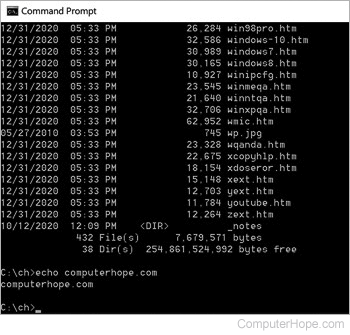
In early versions of Windows, use the keyboard shortcut Alt+Enter to switch between fullscreen and window mode version of the Windows command line.
Tip
To adjust the width and height values manually, right-click the Title bar and click Properties. In the Properties window, click the Layout tab. By adjusting these values, make a window occupy almost all the screen in all versions of Windows.
This system does not support fullscreen mode
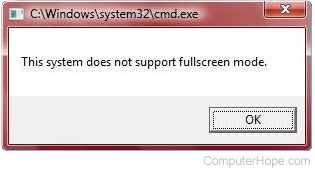
When attempting to enter fullscreen mode in Windows Vista, an error message is displayed, similar to that shown in the picture. Realize that Windows Vista and later no longer support fullscreen mode.