
How to find the type of monitor or display
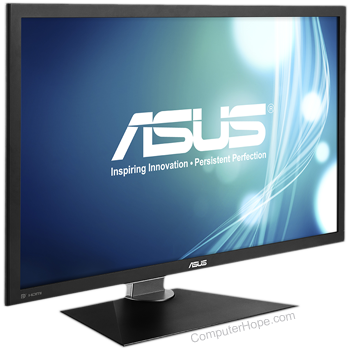
To determine what monitor or display physically look at the front or back of the monitor. Often the manufacturer of the monitor is listed on the front of the monitor. Additional information and monitor and specifications for computer monitors are commonly found on the back of the monitor.
If you cannot locate monitor's size, this information is obtained by measuring from the bottom-left to the top-right of the monitor screen.
Product listing or specifications
If you are trying to list all the specific information about your computer, specifying the manufacturer and size of the monitor is sufficient. Below is an example of how this may look.
19" Optiquest monitor
Replacement or repair
If you are trying to determine the model of your monitor because it needs repaired or replaced, consider contacting a local monitor or TV repair shop. If the cost seems excessive for the monitor, consider purchasing a new monitor.