
Unable to copy from one CD to another recordable disc
This issue can be caused by any of the below possibilities.
TSR or other program in the background causing issues
Make sure all programs and TSRs running in the background are closed. Open programs such as virus scanners or other utilities can cause numerous issues with software and hardware used to record a disc.
Interface incompatibility
If you are using an older computer or hardware device, it may be encountering a compatibility issue. Make sure you are running the CD-ROM (compact disc read-only memory) drives from a SCSI (small computer system interface) 2 (or higher) or ATAPI (AT Attachment Packet Interface) disc drive.
CD-ROM or disc recordable drive driver issues
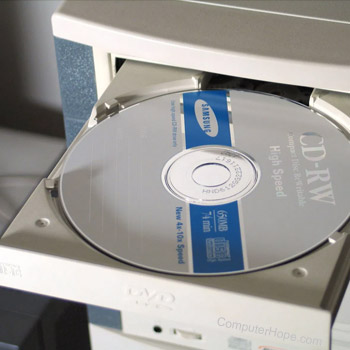
Make sure the drivers are the latest up-to-date drivers for both drives.
Recording software issue
Some software used to create and copy CDs (compact disc) can have issues with some discs and computer setups. Try using an alternative program to create CDs.
Copy protection
Some CDs have a copy-prevention feature that does not allow the CD to be copied to help prevent software piracy.
CD-ROM does not support DAE (digital audio extraction)
If you are attempting to record an audio cd ensure the CD-ROM supports DAE (digital audio extraction).
Alternative solution
If the previous recommendations did not help identify or resolve your issue, there is one more thing you can try. First copy the files you want to from the CD to your hard drive. Then, use an ISO image of the CD and use that to create your new disc copy.