
Can I use my laptop display for my desktop?
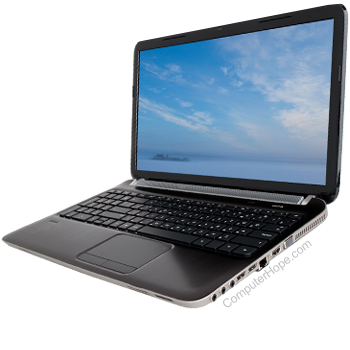
A laptop's screen lacks the ports that a typical monitor uses to receive input from a desktop computer because they were never meant to function as a stand-alone device. Consequently, it is not possible to plug a desktop computer into a laptop and use its screen as the display.
Are there workarounds?
Remote desktop
If both your desktop and laptop are connected to a network, and you have the proper permissions, you may use a Windows feature known as Remote Desktop Connection. This feature allows the user to control and display the desktop's content on the laptop's screen.
Laptop no longer in use
If you have a good understanding of electronics, ample spare time, and no longer need an old laptop, you may manually solder a connection from the desktop to the laptop. Though there are YouTube instructional videos on the subject, it is a delicate, technical process and therefore not recommended as a common solution.