
Where can I get monitor drivers?
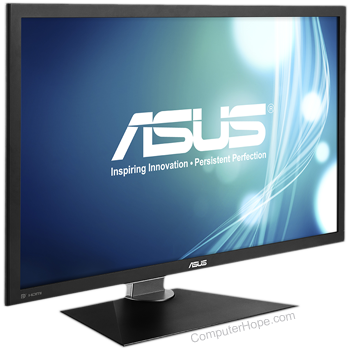
Today, most monitors and computer operating systems rely on compatible, default, or PnP (plug and play) monitor drivers that are already included with the operating system. In some situations, a monitor may need drivers for special features. If you are encountering video issues, it is more likely an issue with the video card drivers, not the monitor.
You should only expect to see a drivers diskette or CD (compact disc) if your monitor has one or more of the features below.
- Monitor has special features, such as a USB (universal serial bus) monitor.
- Monitor is incompatible with the Windows monitor drivers.
- Monitor settings are adjusted through software.
- Monitor has other advanced features not found on a standard monitor.
Determining manufacturer of model of the monitor
Windows users
Windows always attempts to automatically detect your monitor. If you are having trouble installing a monitor, you can use a generic display driver, or manually download and install a display driver from the manufacturer's website.
Windows 9x, Windows Me, Windows 2000, and Windows XP users
When the operating system detects a new monitor, the previous monitor may be listed in the Device Manager. If the computer is having video issues, remove the previous monitor from Device Manager.
Macintosh users
Using the standard, default, or similar monitor listed in the monitors listing allow the monitor to work with no issues.
Linux and Unix users
Most Linux and Unix variants today have a broad range of available monitors. Choosing a monitor close to or with the same settings as your monitor should work with no issues.
Some variants may also require that the vertical and horizontal refresh rates be entered for the monitor to be installed. This information can be obtained from the monitor manual or the computer monitor manufacturer.