
How to fix not being able to boot from floppy
If your computer cannot boot from a floppy diskette, review the troubleshooting options below for help on resolving the problem.
Floppy diskette is not bootable
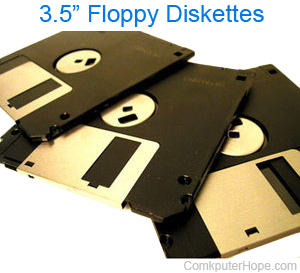
Verify the bootable diskette was created properly and contains the necessary boot files to boot from that diskette. Additional information about bootable diskettes, how to create them, and the necessary files required for a diskette to be bootable is on our boot disk page.
Floppy or boot options not set up in CMOS
Verify the floppy drive and boot options are set up properly in CMOS setup.
The standard boot options should be similar to the example below.
- Floppy diskette.
- CD-ROM drive.
- Network (not available on all computers).
- Hard drive.
Computer virus
A computer virus or other malware may be present on the computer causing the diskette not to work. Create another bootable diskette on another computer. Once created, write protect the floppy diskette to prevent a possible virus from infecting the diskette when booting from the floppy.
Floppy hardware issue
If the problem continues, refer to our general floppy disk drive troubleshooting steps.