
What's hot-swappable or can be unplugged while computer is on?
Updated: 04/02/2019 by Computer Hope
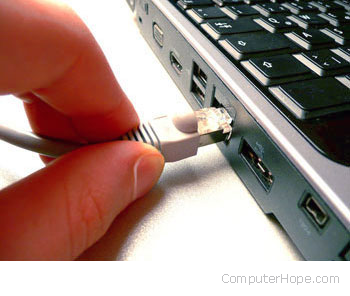
A hot-swappable device is hardware that can be safely connected and disconnected while the computer is powered on and running. In this article, we'll look at which components in a computer are hot-swappable, and how you can use them.
Note
Always consult your computer's documentation. Never disconnect a powered component unless you're sure it's hot-swappable.
What can be plugged-in or unplugged while the computer is on?
- Audio ports. (E.g., speakers, microphone, headphones, etc.)
- FireWire devices.
- Modem/phone cord (RJ-11).
- Monitor, flat-panel, or another display (VGA, SVGA, and HDMI).
- Network cable (RJ-45).
- SATA devices.
- USB devices.
Note
Although the interface may be hot-swappable, some devices such as disk drives may need to be shut down before they are hot-swapped.
What should not be disconnected while the computer is on?
- AT port and devices.
- Internal hardware - Devices attached inside your computer such as your sound card, video card, CD-ROM, IDE hard drive, etc. are not hot-swappable.
- Parallel port and parallel port devices.
- PS/2 port and devices (e.g., PS/2 keyboard and mouse).
- Serial port and devices.
Note
Disconnecting a device that is not hot-swappable while the computer is on causes the device to stop working and can also cause physical hardware damage.