
Shortcut
A shortcut may refer to any of the following:
1. A shortcut is an abbreviated form of a keyboard shortcut.
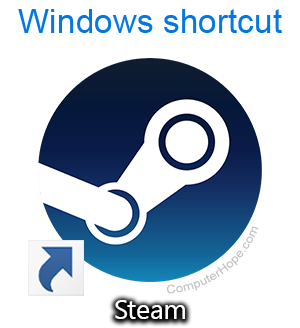
2. In Microsoft Windows, a shortcut is a link that points to a computer program. Shortcuts allow you to create links to programs in any folder, Start bar, Taskbar, desktop, or other locations on the computer. A shortcut in Windows has a small arrow in the bottom-left corner of the icon, and shortcut file names end with a file extension of .lnk. The picture shows an example of a Windows shortcut that links to the Steam game store.
A shortcut is useful for accessing programs or files more easily. Having a shortcut on the Windows desktop eliminates the need for users to look through the Start menu Programs list to find a specific program. A shortcut also makes it quicker to open a file and not have to dig through folders on the computer to find a file.
If the shortcut is pointing to a program that was deleted, uninstalled, or has moved, the shortcut stops working.
If you are more familiar with Linux, you can think of a shortcut as a symbolic link.
3. Shortcuts is an app for Apple iPhones and iPads that allows users to create home screen widgets that link to specific in-app actions.